
Hi team,
I started tinkering with AI (then fondly called artificial intelligence, its full government name) in 2019 after my friend Zee pushed me to try it. I managed to make my computer sound like it was about to take off, took a break, and got pulled back in when ChatGPT launched in 2022.
I’m a normie. I don’t have a Mac Mini farm, Hermès, etc. I have kids, a calendar I do not fully control, and an alarming number of personal projects in various stages of “almost done.”
I even recently joined letsgo.co as a mentor and have had some genuinely fun conversations helping people automate the most monotonous parts of their day. Once you start looking closely at the work you keep repeating, you find plenty to experiment with.
A lot of the CX folks I speak with still feel behind, though. They’re unsure where to start, and much of what they’ve seen involves AI answering customer tickets, often poorly. I get why that hasn’t made them particularly excited to hand over more of their day.
So I put together four downloadable skills for problems you already understand well enough to have an opinion about the answer.
I think they’ll be genuinely helpful, and would love to hear your pov if you use them!!
Let’s jump into it.

This week’s newsie is brought to you by Kim.cc
I was on a webinar with the Kim team recently, and we spent a fair amount of time talking about where AI should probably stop making decisions on its own.
I’m obviously not anti-AI. I’m about to give you four AI skills to download.
But customer support gets messy very quickly.
A tracking question is one thing. A customer who has ordered six times, received the wrong product, wants a refund that technically falls outside policy, and is now threatening to leave is something else entirely.
Those are the conversations where “the AI followed the policy” is not necessarily the same thing as “the customer got the right outcome.”
And BFCM is a particularly unpleasant time to discover where those gaps are.
You probably aren’t going to replace your helpdesk, rebuild your workflows, retrain your team, and introduce an entirely new support operation a few weeks before peak. I wouldn’t recommend adding that to anyone’s November calendar either.
So Kim is doing something a little different for readers of this newsletter.
They’re picking 25 brands and helping them predict where their current support operation is most likely to break during BFCM.
They’ll look at things like your expected ticket volume, team capacity, current automation, common ticket types, and the places where human judgment still matters, then walk you through where they think the cracks are likely to show up once volume increases.
No requirement to change your stack. Just a chance to stress-test the setup you already have before your customers do it for you.
If you want them to take a look, you can book a 20-minute BFCM Support Stress Test here:
Skill #1: CX Site Auditor
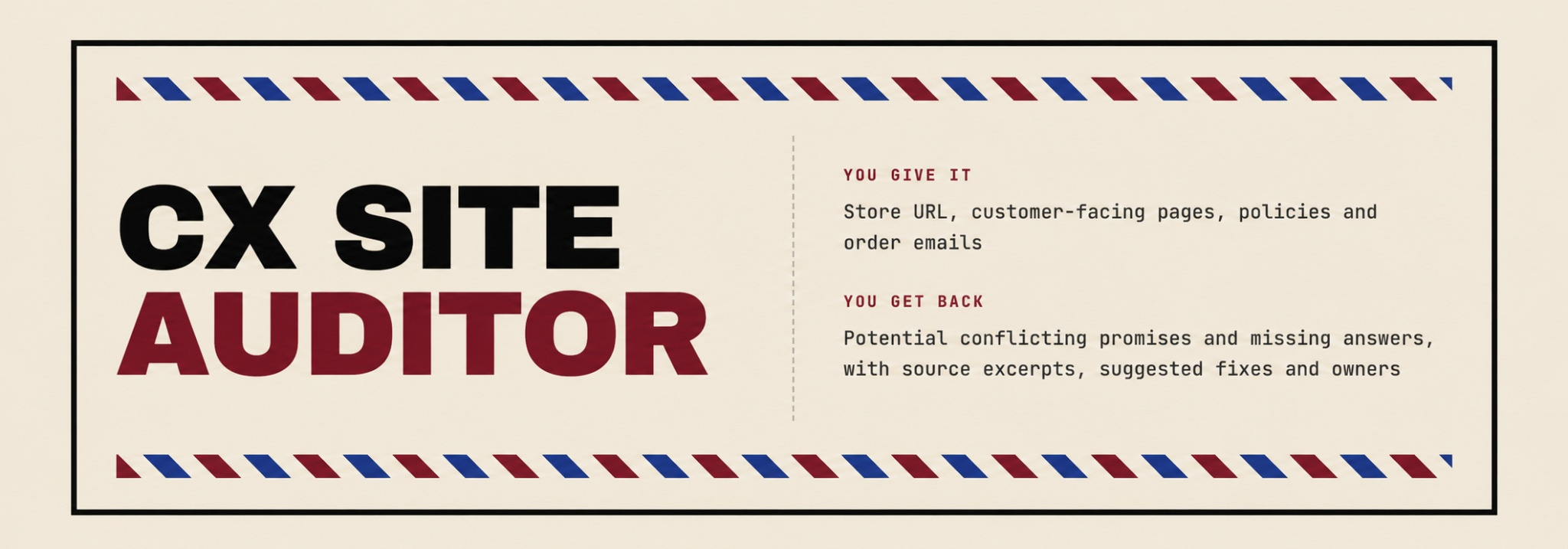
TL;DR: Reviews your customer-facing pages and messages for conflicting promises and unanswered questions, then suggests fixes and likely owners.
Use when: You want a “stranger” to do a deep dive on your site and audit where you perhaps are making promises you can not keep, or saying different things at different parts of the journey that don’t align.
Start with your store URL, then add emails or pages it can’t access. I’d include the order confirmation, since the customer reading that one has already given you money and would quite reasonably like to know what happens next.
When you get the findings, check the actual passages. “Ships in three days” and “arrives in three days” are different promises, and customers shouldn’t need a working knowledge of your fulfillment operation to decode them.
I’d pick one clear issue, figure out which promise the business can keep, and check everywhere else it appears before changing it. Otherwise, you fix the FAQ and leave the confirmation email confidently telling a different story.
I used this on a beauty brand and it found massive discrepancies on shipping timelines and promises, charging for returns in one place and on FAQs saying returns are free, and much more. It found all of this in under 60 seconds on ChatGPT using this skill.
Skill #2: Ticket Second Opinion
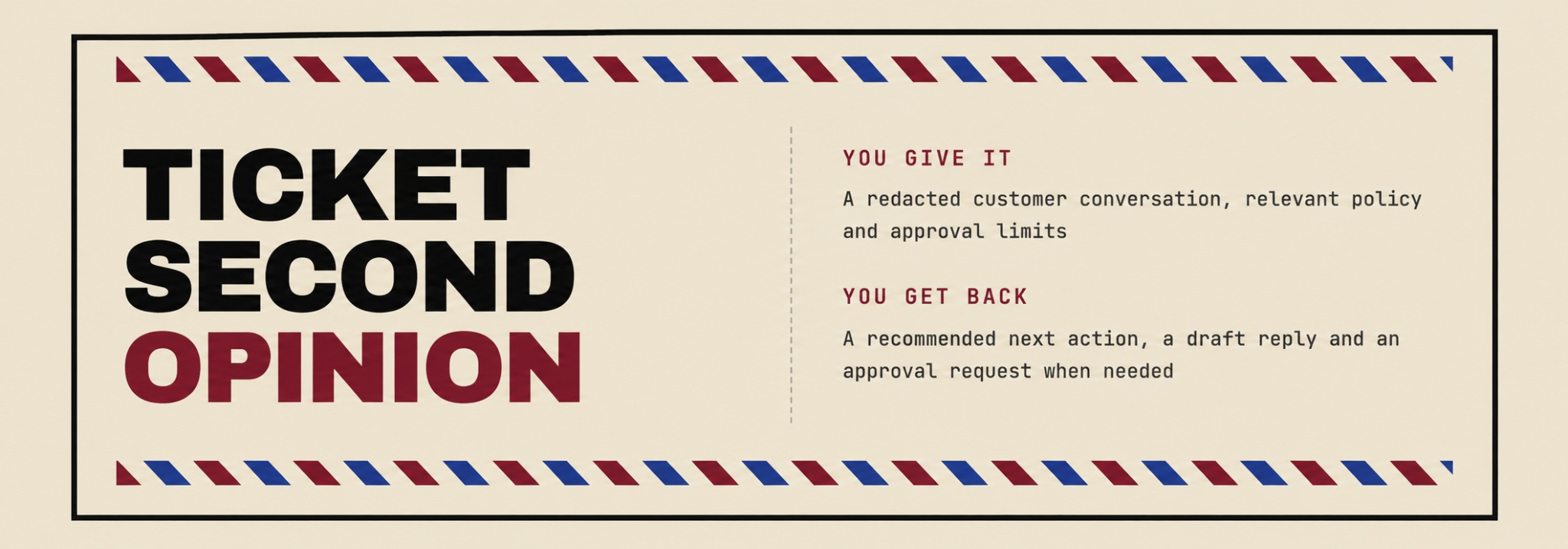
TL;DR: Reads a customer conversation alongside your policy, recommends the next action, drafts the reply, and prepares an approval request if needed.
Use when: A ticket has gone back and forth and someone is about to ask for the photo the customer already sent twice.
Give it the conversation and the relevant policy. Then read the recommendation before getting distracted by how nicely it wrote the email.
Did it catch what the customer already provided? Does the proposed action address what they’re asking for now? Is it promising something the rep can actually do?
I’d be perfectly happy agreeing with its recommendation and rewriting the reply myself. Sometimes another read of the thread is useful. You can keep your own way of talking to customers, particularly when the customer has already spent enough time wondering whether anyone is reading what they send.
Download Ticket Second Opinion
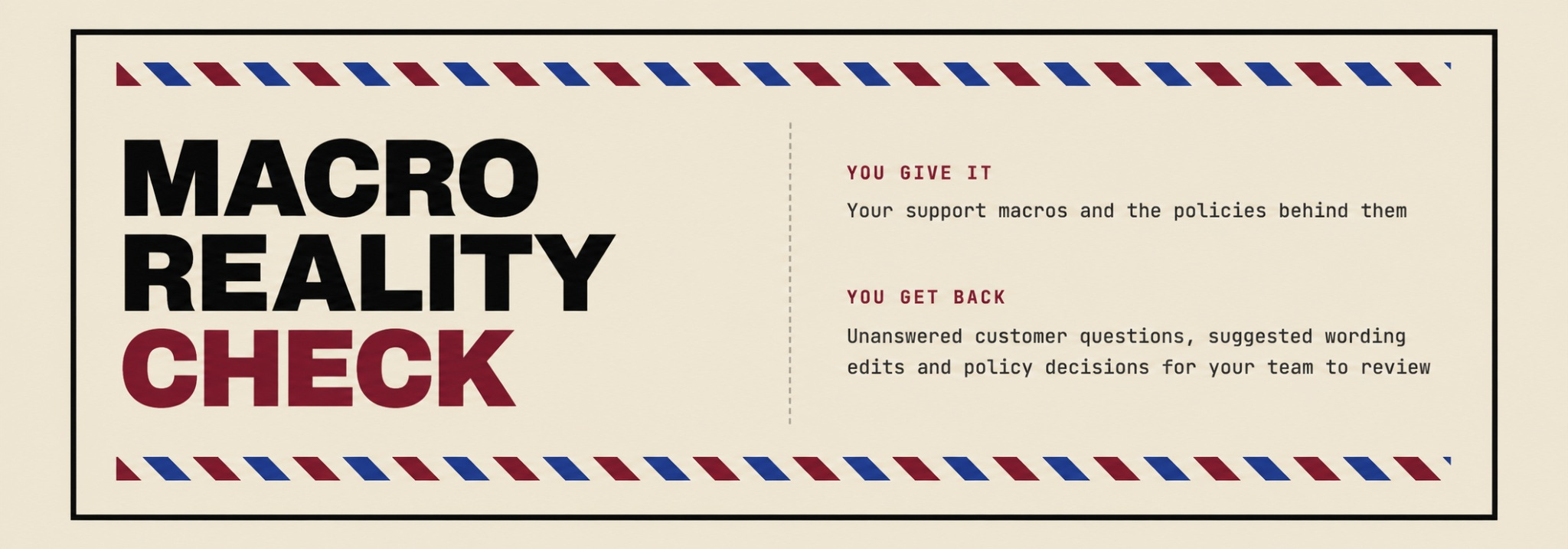
Skill #3: Macro Reality Check
TL;DR: Reviews your macros for what the customer still won’t know after reading them, separating wording edits from decisions your team needs to make.
Use when: “Keep an eye on tracking” has somehow become your entire response to a package that hasn’t moved.
Try a macro you use constantly and one you think is already good. I’d be interested in whether it can leave the good one alone. We have enough work without a tool discovering that every sentence needs its personal attention.
For each finding, ask which customer question the suggested change answers. Perhaps the next step is buried, or the timeline needs explaining. Perhaps nobody has decided when the rep can offer a replacement, and the macro has been politely avoiding that subject.
That last finding belongs with whoever owns the policy. Get the decision made before putting a new promise into a reply your team sends all day.
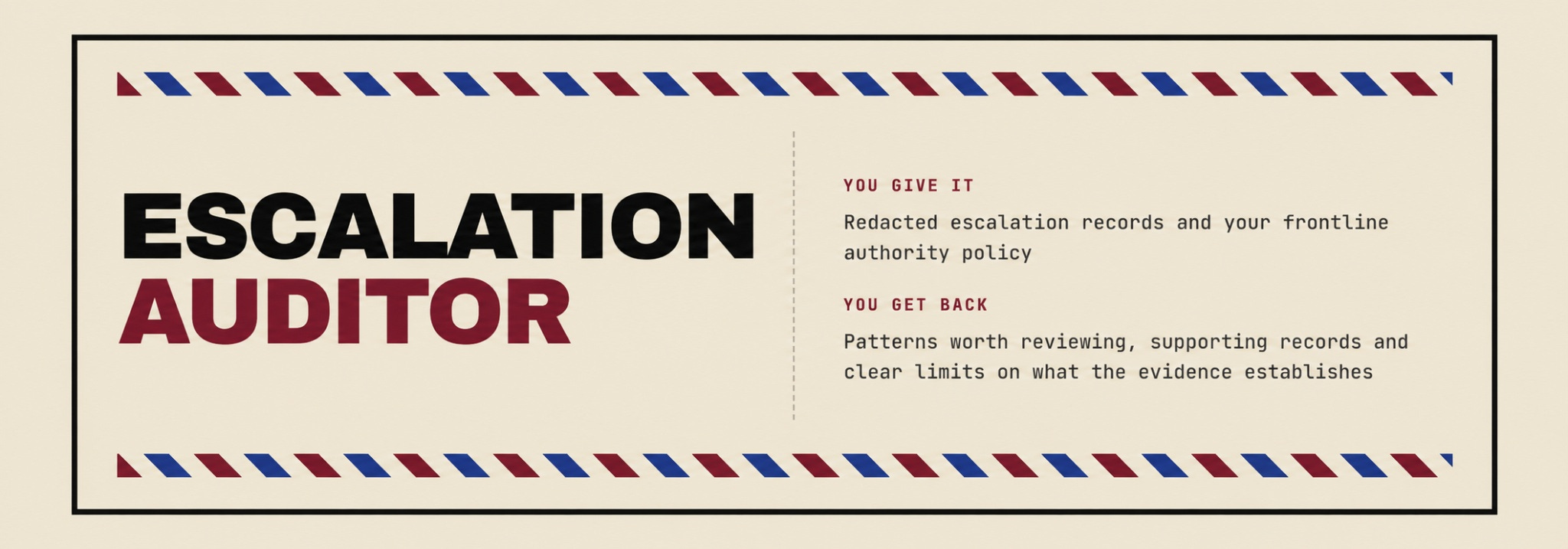
Skill #4: Escalation Auditor
TL;DR: Reviews escalation records against your frontline authority policy and identifies patterns worth discussing with your team.
Use when: You suspect reps spend too much time asking permission and want evidence before changing what they can approve.
It starts with the columns you supply and should tell you where missing information limits the analysis. You’ll also need the policy that explains what frontline reps are currently allowed to do.
One thing I’d watch closely: a manager agreeing with the rep’s recommendation doesn’t automatically mean the approval was unnecessary. They may have checked something the export doesn’t capture.
Pull a few of those cases and ask what happened. What did the rep already know? What did the manager verify? Could that information have been available earlier?
You might find a permission worth changing, guidance worth clarifying, or an approval step worth keeping. I’d want that conversation before announcing to the team that a spreadsheet has reorganized their responsibilities.
How to use them
For conversation-based use in Claude or ChatGPT:
Download the skill you want to try.
Attach SKILL.md to a new conversation.
Send: “Follow the attached skill instructions. Tell me what information you need from me before starting.”
Supply the relevant material: your store URL, macros, a redacted ticket and policy, or escalation records and your frontline authority policy.
Start with something manageable that you know well enough to judge. Your public site or a macro without customer information is an easy place to begin. Before uploading company material, remove customer information locally and follow your company’s AI policy.
Read the output before acting on it, please. These tools recommend and draft, and your team still makes the decisions.
I’d genuinely love to hear which one you try, what it catches, and where it misses something obvious. If you have to explain a detail it should have asked about, tell me that too. That’s useful feedback for making these better.

That’s it for this week!
Any topics you’d like to see me cover in the future?
Just shoot me a DM or an email!
Cheers,
Eli 💛